Before the Click: The Three Google Photos Quietly Selling Your Brand
Most UK small firms spend hours on the logo and about four minutes on the photos sitting on their Google Business Profile. Which is a bit like painting the front door beautifully and then leaving a wheelie bin on the step.
Because that's the thing about a Google listing: the pictures arrive before the click. Someone types "dentist near me" or "builders in Sheffield", and up come three thumbnails, a star rating and a phone number. Those thumbnails are doing brand work whether you asked them to or not. They're answering a question — can I trust these people with my teeth, my money, my leaking radiator? — and they're answering it in about two seconds.
The good news is that a decent photo audit takes twenty minutes and doesn't require a photographer, a lightbox or a colleague who "does design". Here's how to run one.
Start where your customer actually starts: on a phone
Not on your desktop. Not on your laptop with the nice big screen. On your phone, on mobile data, standing up, ideally somewhere with average signal — because that's the conditions your customer is working with.
Search the way a stranger would: your trade plus your town, not your business name. If you're a café in Harrogate, search "café Harrogate". Note the first three photos that appear. Shrink them with your thumb until they're about the size of a postage stamp. Can you still tell what the business is and where it is? If the answer is "it's a blurry logo on a white background", you've found your first job.
Photo one: the handshake
The lead image is the handshake. It's the first thing someone sees and, more often than not, it's the weakest photo on the profile.
The three mistakes I see most often:
- The logo as cover shot. A logo tells people your name. It doesn't tell them what you do, what the place feels like, or whether you're a real building with a real door.
- The empty room. A wide shot of a waiting area with the lights off, taken during a refit in 2019. It says "we have a premises" and also "we may not be open".
- The van in a retail park. Fine if you're a mobile business. Less fine when it's parked at a distance, in the rain, with no people and no context.
What to swap in: one clear, well-lit image of the thing you actually sell, being used or made or served. A haircut in progress. A tidy kitchen with someone plating up. A freshly finished bathroom. Phone camera, daylight, at eye level, nothing on the floor that shouldn't be there. If you can't take a decent photo of your own work, that's worth knowing too — it might be a branding problem dressed up as a photography problem.
The team shot: the one that decides if you're people or a call centre
Second most-ignored photo on the profile. Also the one that does the most emotional work.
Common mistakes here are pretty predictable. The stiff lineup against a magnolia wall, arms folded, taken by a rep from the sign company. The stock photo of smiling people in headsets (easy to spot, and customers spot it faster than you'd think). Or the genuinely lovely team photo from 2018, featuring three people who left, one person who's now the manager, and a haircut nobody wants to discuss.
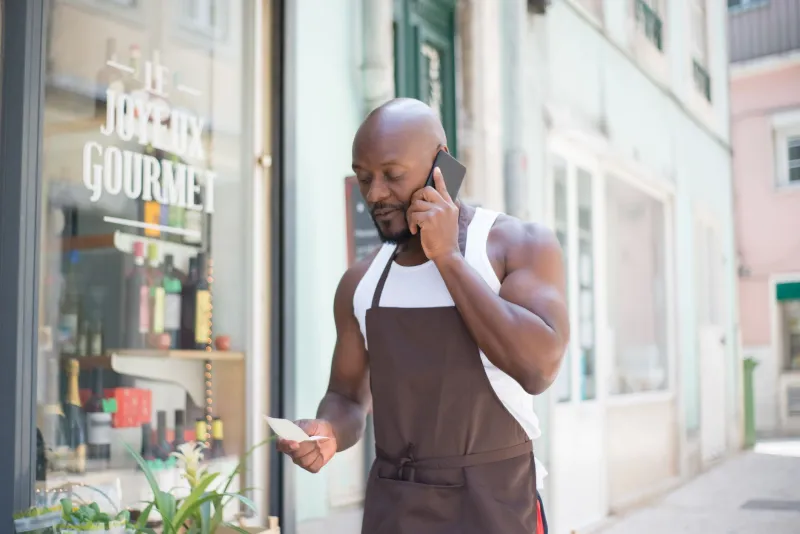
What works better: people mid-task, in the space they actually work, not all staring down the lens. Two of them chatting. Someone at the till. The apprentice carrying something. It should look like a Tuesday morning, not a wedding.
You do not need everyone in it. You do not need matching polo shirts, though if you have them, fine. You do need it to be current. A team photo is a promise about who will be there when the customer walks in, and an out-of-date one is a small broken promise before you've even said hello.
The 'just outside' photo: where the map meets the pavement
This is the one that gets forgotten, and it's the one that saves people the most time. It's the photo a customer uses to find you when the satnav has given up and they're parked on the wrong side of the high street.
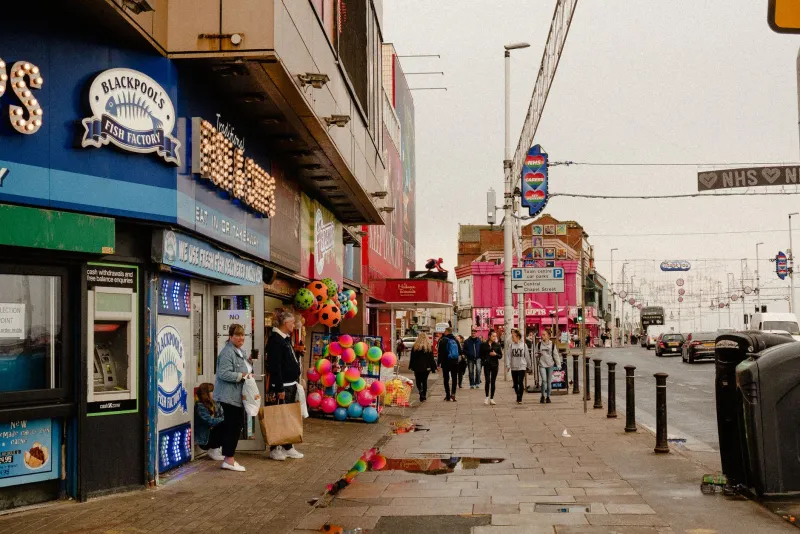
Three things go wrong here. The shot is taken at night, so the sign is a glowing smear. The shot is whatever Google's camera car snapped in 2011, complete with a skip on the pavement and a previous shop's signage. Or the shot is taken from inside the doorway looking out, which is a nice view of a road and no help to anybody.
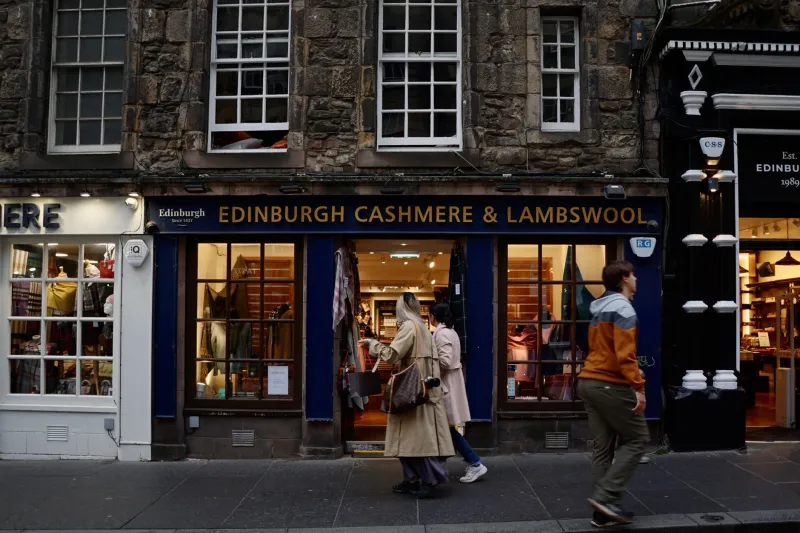
Fix: stand on the opposite pavement. Daylight. Door open. Sign clearly in frame. Include one landmark people can actually navigate by — the blue door next to you, the tree, the bus stop, the big yellow shop two doors down. Take it from the height a person's eyes would be at, not from above your head. That's it. That's the whole job.
Three fixes that don't need a photographer
Wipe the lens and turn the flash off. This sounds like a joke. It isn't. Half the bad business photos in Britain are bad because of a thumbprint and a flash bouncing off a glass door.
Take twenty, keep three, delete the rest. Phone cameras are free. The problem is almost never that someone took one photo — it's that they took one and uploaded it regardless. Take a batch, look at them properly, keep the boringly good ones.
Refresh once a season. A profile with photos from four Christmases ago quietly says the business might not be what it was. Swapping two or three images four times a year is a ten-minute job and it keeps the listing looking alive. If you already keep a marketing calendar, put it in with the other dates — it costs nothing and it shows.
A quick word on customer photos
You can't control everything on your profile. Customers upload their own pictures, and some of them will be a close-up of a receipt. You can flag images that are inappropriate or clearly not of your business, and you can respond to reviews that mention the state of the place. What you can't do is pretend the customer's photo of your slightly tired toilet cubicle isn't there. If several people photograph the same corner, that corner is telling a story — go and look at it.
The twenty-minute audit, in order
- Minutes 1–5. Phone. Incognito tab. Search your trade plus your town. Screenshot the first three thumbnails and look at them honestly.
- Minutes 5–10. Deal with the lead image. If it's a logo, or a dark room, swap it today.
- Minutes 10–15. Check the team shot. If it's stock or stale, book fifteen minutes with the team tomorrow at 11am by a window. That's the whole brief.
- Minutes 15–20. Walk outside, cross the road, take the pavement photo. Upload it before you go back in.
What good actually looks like
The standard isn't "professional photography". It's consistency and honesty. The same light, the same sort of colours, one recognisable detail turning up again and again — the green door, the striped awning, the way you plate a sandwich. The thumbnail test is the only test that matters: when the image is a centimetre wide, can a stranger still tell what you are and where you are?
Your logo is a signature. These three photos are the shopfront, the handshake and the front door. They're answering for you long before anyone picks up the phone — so make sure the answers are the ones you'd give yourself.